Atrium
Run it, launch it, share it: a home for everything you make with AI
My Role:
Design, product, engineering, GTM
Status:
Pre-reveal · cloud live · private beta
AI didn’t just accelerate my process.
It expanded what I could design and ship.
Why atrium
AI coding tools have made it possible to create software in hours instead of weeks.
But as creation became easier, a new problem appeared: the things people made were scattered across folders, repos, chat threads, and deployment links. A project might still exist, but finding it, running it, or sharing it again often required reconstructing the original workflow.

The product
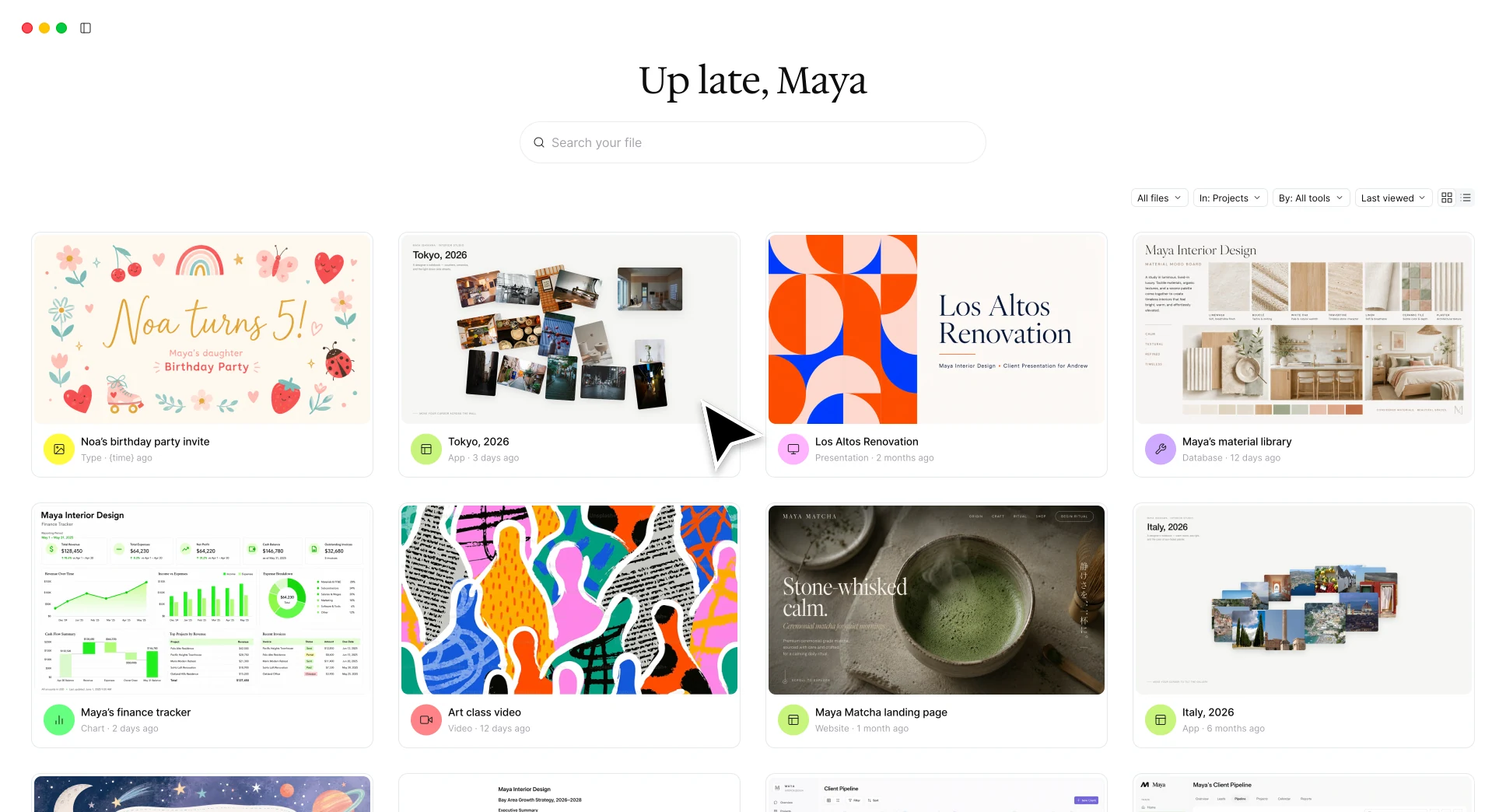
Atrium is a home for everything you make with AI.
A Mac app scans where coding agents work and turns each project into a visual card. From there, every artifact follows one simple loop: Find it, run it, make it live, share it.
Find it
Atrium automatically discovers projects inside the folders where coding agents work and represents them visually - not as repositories or file paths.
Run it
One click opens the real artifact, running. Atrium detects how each project should launch so the user does not have to return to the terminal.
Make it live
A local project can be published to a private atrium.gallery URL without configuring hosting or deployment.
Share it
The user can send the link to someone, then revoke it when the artifact no longer needs to be accessible.
Three decisions that shaped the product
Building with AI made many directions technically possible. The harder work was deciding which version of the product was worth building.
Local-only or shareable?
A local-only MVP could test organization, but not Atrium’s larger promise: a home you can invite others into.
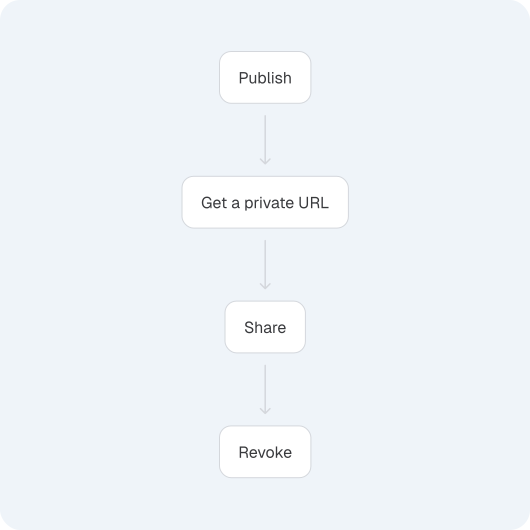
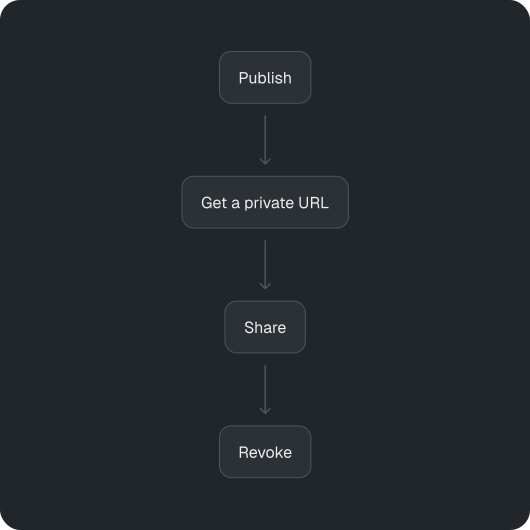
I built the smallest production cloud that could deliver the complete emotional loop:
- Publish one artifact.
- Get a private URL.
- Share it immediately.
- Revoke it at any time.
This allowed the beta to test the moment of value without committing to a full platform.
Support everything, or make two tools work well?
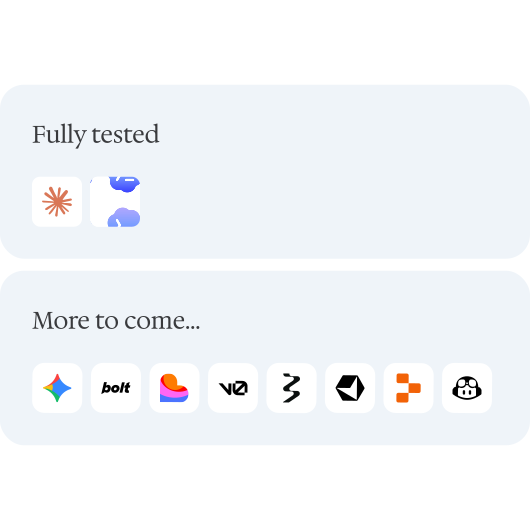
Supporting every AI creation tool would look comprehensive, but produce inconsistent results.
I started with Claude Code and Codex, using real project histories to perfect detection, launch, previews, and failure states.
Two reliable integrations before ten fragile ones.
Checkout in the app or browser?
An in-app flow could support wallets, but Stripe’s prebuilt payment experience is not designed as a general native macOS/AppKit solution. Building one would add custom payment work without improving Atrium’s core value.
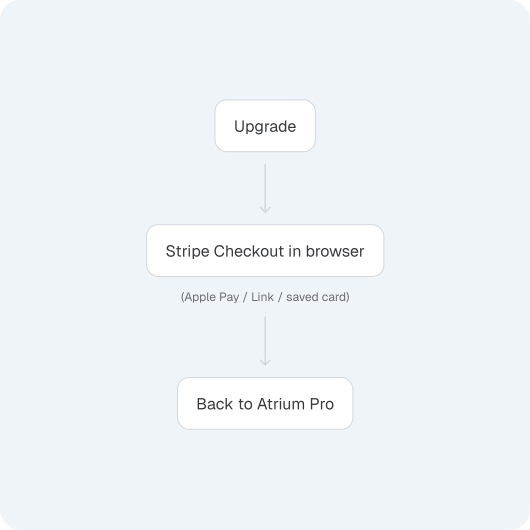
I chose browser Checkout, where Stripe handles Apple Pay, Link, saved payment methods, and authentication—then returns users to Atrium with the upgrade active.
Use the best-supported payment experience, not the most visually contained one.
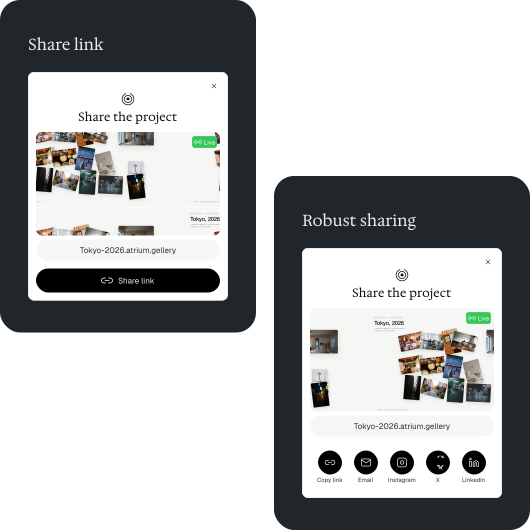
Share everywhere, or make one link work everywhere?
Building email and social sharing would add channels before knowing how people wanted to share.
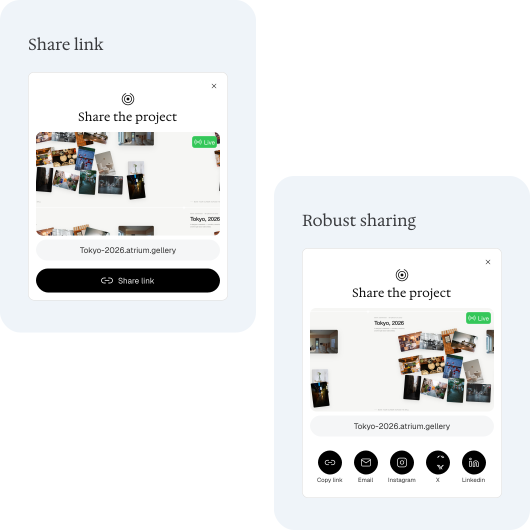
I started with one universal action: Copy private link. It works anywhere, keeps the flow simple, and lets beta behavior guide which destinations deserve deeper integration.
Build the share primitive first. Add channels from evidence.
Final thoughts
Before Atrium, design often ended at the point of handoff.
In this project, the same intention shaped the strategy, interface, implementation, reliability, and launch.
The shift was not from designer to engineer or PM.
It was from designing an output to designing the system that could carry one idea all the way into reality.
AI didn’t make me design faster. It let me design end to end.